Feature · Subtasks
A task manager with nested subtasks, to any depth.
Big work is never one task. F4Goals lets every task hold subtasks, and every subtask hold its own, so a plan can be as detailed as the work actually is.
No card · Web + Android

Why one level of subtasks is not enough
Most task managers give you a task and a flat checklist under it. That works for “buy groceries”. It stops working the moment a step turns out to be a project of its own: “write the report” becomes “write the findings section”, which becomes “chart the survey results”, which needs “clean the export first”.
In F4Goals a subtask is just a task. It can have subtasks, which can have subtasks, and there is no depth limit to hit. You never have to flatten a plan to make it fit the tool, and you never have to start a second list because the first one ran out of levels.
How nesting works
Add a task, then add a subtask under it. Keep going until each piece is small enough to start without thinking. Parents can be collapsed so the list stays readable, and you can collapse a whole project when you are not working on it.
Any task can be a parent, at any depth.
Collapse a parent to hide its whole branch, expand it to see the detail again.
Drag a task to reorder it, or drop it under a different parent to restructure the plan without retyping anything.
The project shows one percentage averaged across all of its tasks and subtasks, so sliding any subtask moves it.
Everything syncs between the web app and the Android app.
A real nesting example: moving house
Move to the new flat
40%
Packing
60%
Kitchen
100%
Living room
50%
Books: sort, donate, box
25%
Admin
20%
Change address with the bank
0%
Book the van
100%
Four levels deep, with partial progress set on individual tasks. The project’s percentage is the average across all of them.
Nested subtasks and partial progress work together
Depth on its own just makes a longer list. What makes it useful in F4Goals is that every level carries partial progress as well. Slide a subtask to 50% and the project percentage above it moves; finish a few more and it keeps rising on its own.
That is the difference from a checkbox list with indents: the project shows how far the whole thing has got, not only which individual boxes are ticked.
Good ways to use deep nesting
Start shallow. Write the top three or four steps first, then open only the step you are about to work on and break that one down. Detailing everything up front is how plans become stale, and nesting lets you add detail exactly where and when it is needed.
Keep leaf tasks small enough to finish in one sitting. If a leaf is still vague, give it subtasks. If a branch is finished, mark it complete and collapse it, and your attention stays on the work that is left.
What it does not do
F4Goals is built for one person. There is no sharing, no assigning a subtask to someone else, and no reminders or due dates on tasks. If you need a team workspace, a different tool will serve you better. If you want one clear picture of your own multi-step work, this is what it is for.
F4Goals on Android
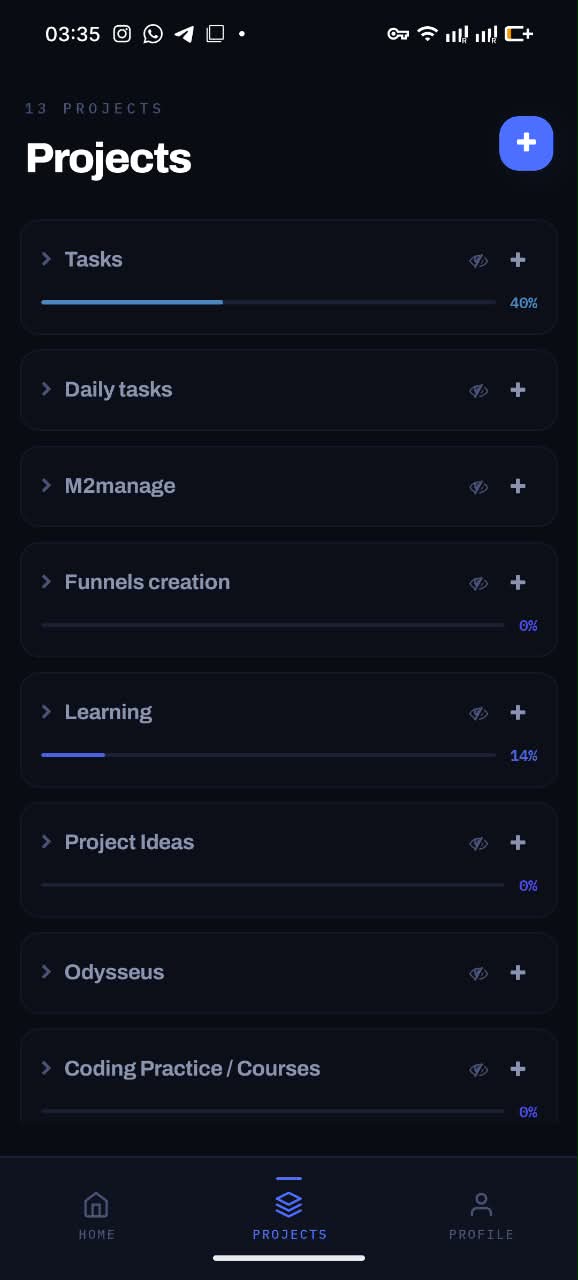
Projects with live progress
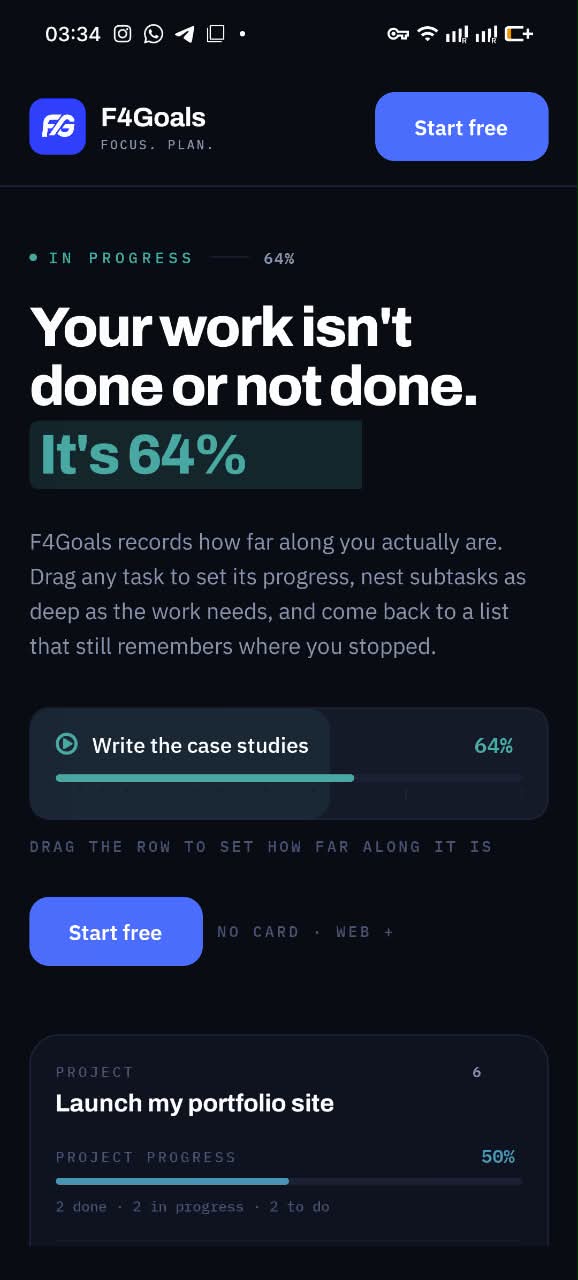
Drag a task to set its progress
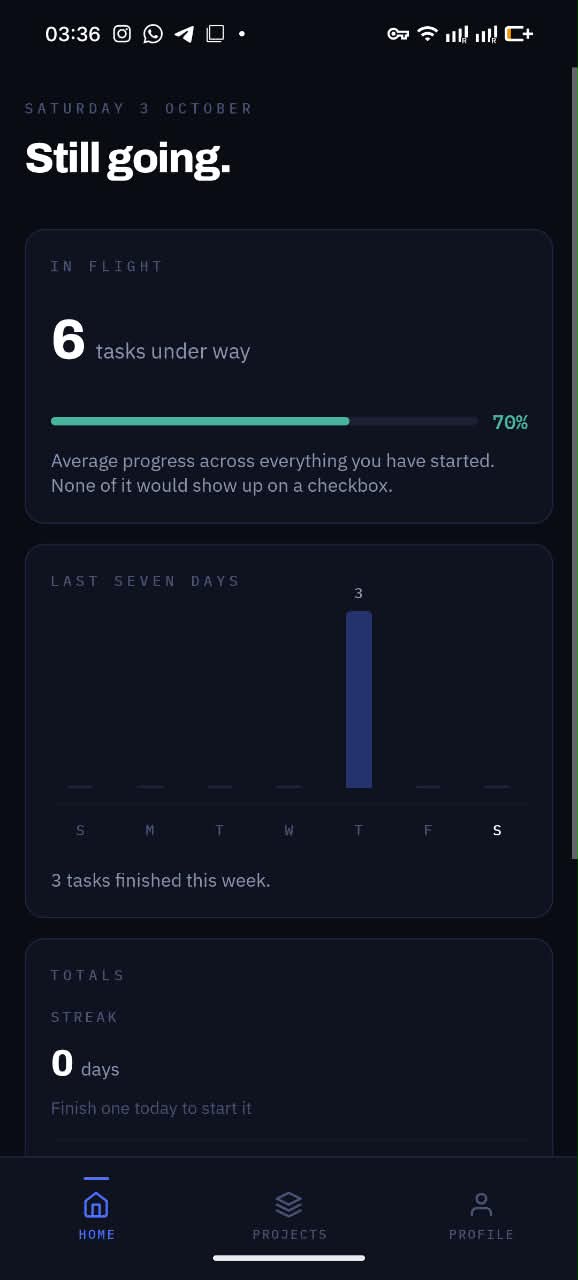
Your week at a glance
Questions
How many levels of subtasks can I create in F4Goals?
There is no fixed limit. A subtask is a normal task, so it can have its own subtasks, and so on. In practice the screen width is the only constraint.
Can I move a subtask to a different parent?
Yes. Drag the task and drop it under another parent, or into a different project. The list reflows, and the project percentage updates if it moved between projects.
Does completing all subtasks complete the parent?
Each task has its own progress and status, so a parent is yours to mark complete when the work is truly done. The project percentage averages every task and subtask inside it, so it rises as subtasks are finished.
Is the nested subtasks feature free?
Yes. F4Goals is free, and nesting has no paid tier. Sign in with an emailed link or Google and use it on the web or on Android.
Try it on your own work.
F4Goals is free. Create a project, add a few subtasks and slide the first one.
No card · Web + Android